Last updated
Nafath App Explained: What It Is, How It Differs From Absher, and How to Set It Up
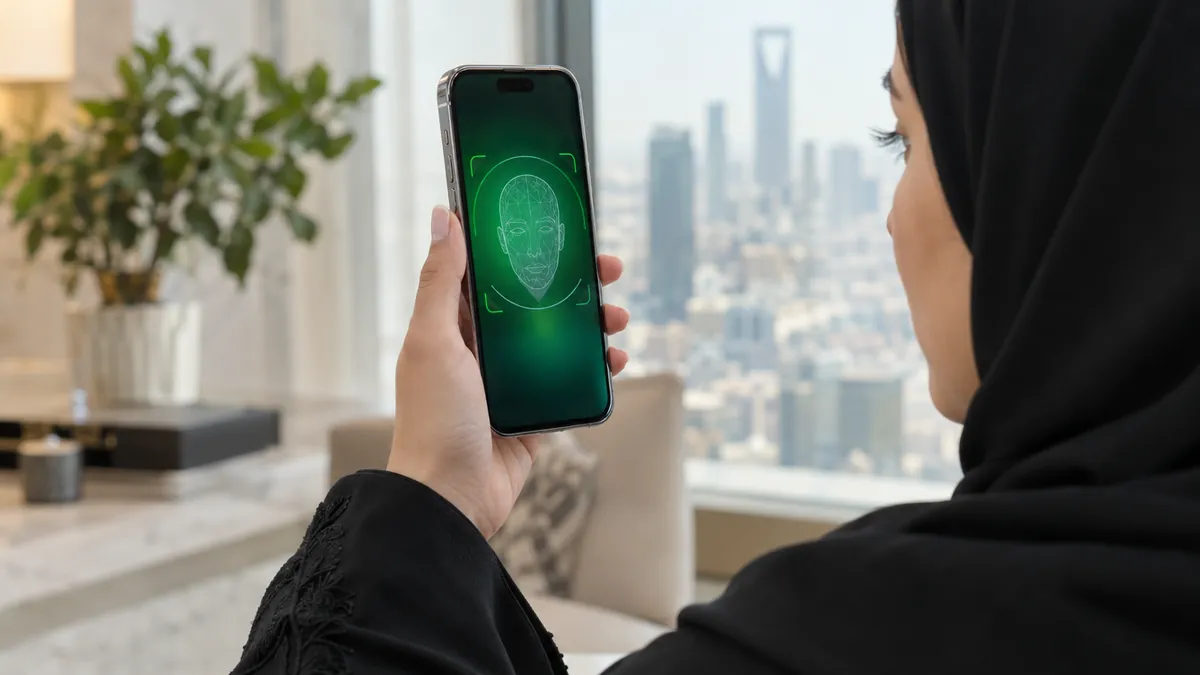
The Nafath app (نفاذ) is Saudi Arabia's national single sign-on app, built by the National Information Center at SDAIA. It does not replace Absher. It uses your existing digital identity to approve logins to Qiwa, Najiz and hundreds of other platforms: you accept a request, match a number, enter a 6-digit PIN and sometimes take a face photo.
Many expats install Nafath because a website tells them to, then get stuck on a number that "does not show" or a face scan that keeps failing. Most of that confusion comes from not knowing what the app is for. So we start there, then go through setup, login and the fixes.
What Nafath actually is: a key, not a service counter
Think of Absher as a government office where you get things done: renew documents, issue visas, pay fines. Think of Nafath as the key you show at the door of many different offices. Nafath itself does not issue visas or certificates. Its job is to answer one question for other platforms, quickly and securely: is this really the person who owns this iqama?
The official name is Unified National Access, also called National Single Sign-On. SDAIA's FAQ describes the app as a national application developed by the National Information Center (NIC) to let users verify and authenticate their digital identities, and to access services from both government and private providers. The system was built jointly by SDAIA and the Ministry of Interior, and the national portal lists the service as free.
The scale is large. At a budget forum in November 2024, the director of the NIC said the system had carried out more than 3 billion verification operations, served more than 23.5 million users with over 20 million active app users, and was connected to more than 530 government and private platforms. Those are SDAIA's own figures, reported by the Saudi Press Agency.
What is the difference between Nafath and Absher?
Absher is the Ministry of Interior platform where you use services. Nafath is the identity check that other platforms call when you log in or approve something. You normally need an active Absher account before Nafath will work, because the national portal lists a registered and active Absher digital identity as a prerequisite for the Nafath service.
| Absher | Nafath app | |
|---|---|---|
| Run by | Ministry of Interior | National Information Center, SDAIA |
| Main job | Government services: iqama, visas, traffic, family members | Confirming your identity and approving logins for other platforms |
| Account | You register and activate it | No separate registration; uses the same credentials |
| How you prove it is you | Username or ID, password, SMS code | Accept request, match number, 6-digit PIN, sometimes face or fingerprint capture |
| Devices | Website and app | App active on one device at a time |
What people get wrong about Nafath
"I have to create a new Nafath account." You do not. SDAIA's FAQ says plainly that registration is not required, because the app uses the same credentials as the Nafath platform. People who try to "sign up" often end up resetting passwords they did not need to touch. If you can log in to Absher, you already have what Nafath needs.
"The number should appear in my Nafath app." It is the other way round. The website you are logging in to shows you the number. Nafath then shows three choices, and you pick the one that matches. This design is deliberate: someone who only steals your ID number cannot approve a login, because they cannot see your screen.
"Approving a request is harmless." Treat every Nafath request like a signature. If a request appears that you did not start, do not accept it. Someone may be trying to log in to a service in your name.
How to set up the Nafath app
Before you start, make sure your Absher account is registered and active. If it is not, follow our Absher registration guide first.
- Download Nafath from the App Store, Google Play or Huawei AppGallery. The publisher is the National Information Center. Avoid look-alike apps.
- Open the app and enter your iqama number and the password of your digital identity. SDAIA says this is the same password used on the Nafath platform, which for most residents is the one set up through Absher.
- Enter the verification code sent to the mobile number registered on your account.
- Create your 6-digit PIN. You will type it to approve future requests, so do not use your birth year or 123456.
- Complete the face photo when asked. SDAIA calls it a third layer of protection for your digital identity.
If your Absher account was registered but never activated, Nafath can do that too. Absher's official guide says to open Nafath, go to Settings, choose to activate the digital identity originating from Absher, enter your ID number, password and SMS code, answer a validation question and complete the biometric check.
Nafath login: how a request works
The national portal describes the same flow for every connected platform.
- On the service's website or app, choose to log in through the national unified sign-on (often a Nafath button).
- Enter your national ID or iqama number.
- A notification tells you there is a verification request in Nafath. Open the app and accept the request.
- Match the request number: tap the one of three numbers that is shown on the service's screen.
- Enter your 6-digit PIN.
- When the success message appears, go back to the service. You are logged in.
Some requests add a disclaimer page that explains what you are about to approve, a face capture, or a fingerprint capture. For fingerprints, SDAIA says to place your hand flat and horizontal on a surface and point the rear camera at your fingers.
Fixing common Nafath problems
Why is the Nafath number not showing?
Look at the screen of the website or app you are logging in to; the number is there. If Nafath shows no request at all, open the app manually rather than waiting for the notification, check you typed the right ID number on the service's page, and confirm Nafath is active on this phone. It can only be active on one device at a time.
Nafath says "Error, try again later"
According to SDAIA's FAQ, this usually means the app is busy at that moment. Wait a few minutes and start the login again from the service's page, so that a fresh request is created.
The face verification keeps failing
Follow the on-screen guide exactly. Beyond that, ordinary photo sense helps; these are general tips, not official SDAIA instructions. Use good, even light, avoid a bright window behind you, keep your whole face inside the frame, take off sunglasses or a cap, and hold the phone at eye level.
How do I reset Nafath on a new phone?
SDAIA says you change devices by signing out on the first device and activating the app on the second. If the old phone is lost or broken, you cannot sign out from it, so call Nafath support on 8001221111 and ask them to help. To change the password itself, use the IAM platform at iam.gov.sa, which has a Reset Password option. If your mobile number has changed, update it first through Absher channels; our Absher kiosk locations page shows where to do that in person.
Which services use Nafath?
Nafath sits behind a growing list of platforms. These are ones we confirmed on their own official pages:
- Qiwa, the labor platform: new accounts are authenticated through Nafath, and the login page has a Log in with Nafath button. See our Qiwa login guide.
- Najiz, the Ministry of Justice platform for cases, enforcement requests and other judicial services.
- The national portal sign-on on my.gov.sa, which links on to other government portals.
- Absher, where Nafath is one of the official activation channels.
The Nafath app listing also mentions newer features, such as location verification at border crossings and event venues, and digital identity account management, which covers activation, mobile number updates and temporary suspension of your digital identity.
Nafath only matters because the services behind it matter. If you are new in the Kingdom, our iqama guide explains which accounts to set up first, and the tools page has calculators for fees and benefits you will check once you are logged in.
Frequently asked questions
Do I need to register separately on Nafath?
No. The official SDAIA FAQ says registration is not required, because the Nafath app uses the same credentials as the Nafath platform. For most residents that means the digital identity created through Absher. The prerequisites listed on the national portal are simply to download the Nafath app and to have a registered, active Absher account. If you do not have an Absher account yet, create and activate that first, then open Nafath.
Why is the Nafath number not showing on my phone?
The number you need is shown on the website or app you are logging in to, not inside Nafath. After you accept the request in Nafath, the app shows three numbers and you pick the one that matches the screen. If no request appears at all, open the Nafath app manually and look for pending requests, check that you entered the right ID number, and remember the app can only be active on one device at a time.
Why does Nafath ask for a photo of my face?
SDAIA describes the face image as a third layer of protection, on top of your password and your 6-digit PIN. Some requests include a face capture step, where you follow the on-screen guide and press capture. Others may ask for a fingerprint capture using the rear camera, with your hand laid flat on a surface. If capture keeps failing, try again in good, even light with your face fully in the frame.
How do I reset Nafath or move it to a new phone?
Nafath can only be active on one device at a time. To move it, sign out of the app on the old phone and activate it on the new one with your ID number and password. If you forgot the password, change it on the IAM (Nafath) platform at iam.gov.sa. If you no longer have the old phone, call Nafath support on 8001221111 and ask how to release the old device.
Which services use Nafath?
Nafath is the login and approval step for a large number of government and private platforms. Examples you can confirm on their own sites include Qiwa, which authenticates new registrations through Nafath and offers Log in with Nafath, the Ministry of Justice platform Najiz, the national portal sign-on on my.gov.sa, and the Absher activation route inside the app. SDAIA reported in November 2024 that Nafath was linked to more than 530 platforms.
What is the Nafath customer service number?
Nafath technical support is 8001221111, a toll-free number listed as open 24 hours a day. You can also email Support@nic.gov.sa or message @NIC_Care on X. The official help page says reports are processed within 15 working days. If your problem is with a specific service, such as a Qiwa contract or a Najiz case, Nafath asks you to contact that service provider directly.
General information only, not legal advice. We are not affiliated with any Saudi government authority.