Last updated
Absher Registration for Expats: Create Your Account, Activate It and Fix the 4 Errors That Stop Most People
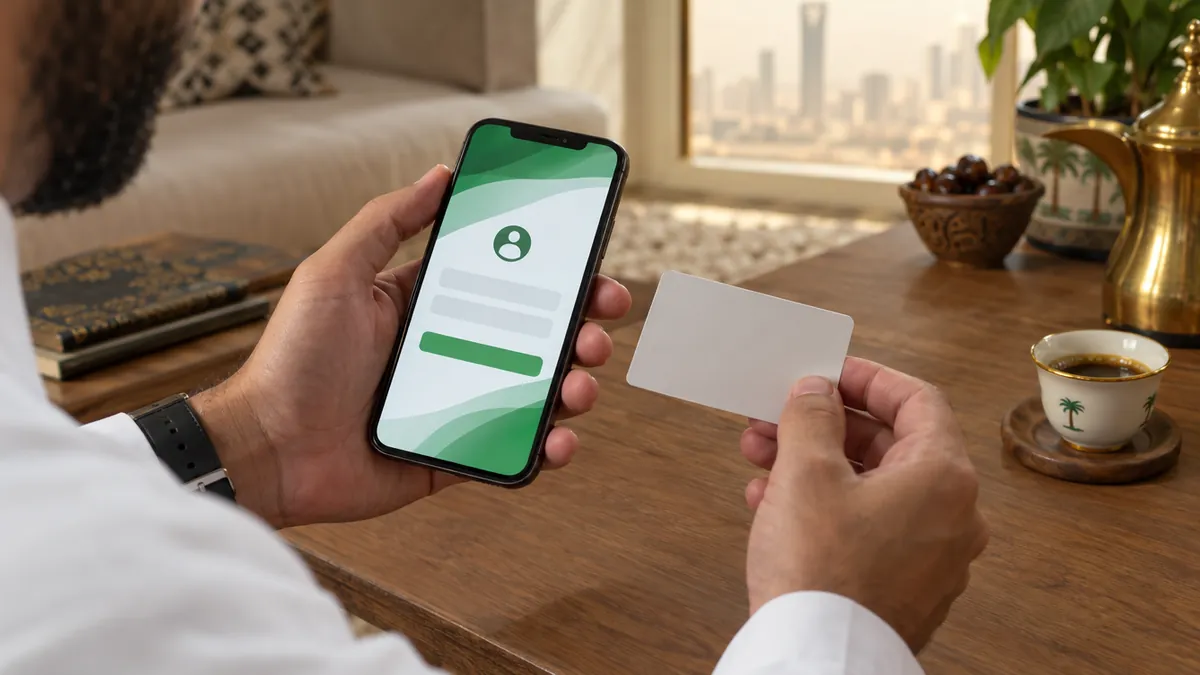
Absher registration is a two-step job. First you create the account online at absher.sa with your iqama number, your own Saudi mobile number and a username. Then you activate it through a bank, a self-service kiosk, the Nafath app or a passports office. Most failed attempts come down to four errors, and each one has a known fix.
Absher (أبشر) is the Ministry of Interior's electronic platform, running since 2010. Almost everything you do as a resident touches it: your iqama, exit and re-entry visas, traffic fines, family members and vehicles. So the account is not optional. This guide starts with the problems, because the form itself is short. The trouble usually starts after you press Register.
The 4 errors that block Absher registration, and the fix for each
Error 1: "The entered ID holder does not have National ID card or independent Iqama"
This message means the ID number you typed does not belong to someone with their own national ID card or their own (independent) iqama. Absher only opens accounts for people who hold one. Check the number digit by digit first, because a typo can trigger the "ID number is not correct" message instead.
If the number is right, the person is typically a family member who is still listed under the head of the family rather than holding an iqama of their own. In that case there is nothing to fix on the form. The head of the family handles that person's services from his own account under Family Members Services until the dependent has an independent iqama. If you believe your iqama is independent and the error still appears, call Absher on 920020405 before trying again.
Error 2: Mobile number problems
Absher is strict about the phone number, and it explains why on the registration page. A mobile number can belong to only one digital identity. If you register with a number that is already linked to another account, Absher removes it from that account and gives it to yours. That sounds convenient, but it means the other person suddenly loses access, and the same can happen to you.
- Do not use your sponsor's, your company PRO's or a friend's number. Absher's FAQ says a parent cannot even use their own number for a family member's account.
- Type the number carefully after the fixed +966 prefix. Absher warns that a wrong number makes registration fail.
- Use a SIM you will keep. Every login, reset and approval code goes to it.
Our advice is to use a SIM registered on your own iqama. You can confirm which lines carry your ID with our guide to checking SIMs on your iqama, and see how to register a mobile number on your iqama if the line is in someone else's name.
Error 3: Activation fails because the kiosk will not read your fingerprint
Self-service kiosks confirm who you are with your fingerprints. Worn or damaged fingertips, common in construction, cleaning and farm work, can make the scan fail again and again. Absher's own FAQ answers this case: if the self-service machine does not accept your fingerprint, you need a passports appointment. Book it from the Absher homepage under Appointments, then Passports, then Book an Appointment. Before you do that, try the bank or Nafath routes described below, since they do not use the kiosk scanner.
Error 4: Forgot password, and the old number no longer works
The online reset asks for three things: your ID number, the mobile number registered on Absher, and the image code. A verification code then goes to that registered number. If you changed SIMs after registration, the code goes to a phone you no longer have, and the reset is a dead end.
The fix is to change the number first. Kiosks and Activation Officers at the General Directorate of Passports can do both jobs, change mobile number and reset password, after they verify your identity. If you still have access to your account, the Absher app also has Change mobile number under Digital ID Management.
How to create an Absher account on absher.sa
The form takes about five minutes if you have your iqama and phone with you. These are the fields on the official Register page.
- Open absher.sa, choose Individuals, and select the option to register as a new user.
- Enter your ID, iqama or border number. The form also accepts a pilgrim ID.
- Enter your mobile number after the +966 prefix. Email is optional.
- Choose a username and a password, confirm the password, and pick Arabic or English as your preferred language.
- Type the image code, accept the Terms of Use and Privacy Policy, and submit.
- Enter the verification code sent by SMS. Your account now exists but is not active yet.
| Field | Absher rule |
|---|---|
| Username | At least 8 Latin characters, starts with a letter, includes lowercase letters and numbers, no special characters. Cannot be changed after registration. |
| Password | At least 8 characters with an uppercase letter, a lowercase letter and a number. Must not contain more than half of your username, or repeat one character more than half the password length. |
| Mobile number | Your own private number, linked to one digital identity only. |
| Optional, but must be in a valid format if entered. |
How to activate Absher: bank, kiosk, Nafath or passports office
Activation proves that the person who registered is really you. Absher lists four main channels, and they do not all offer the same services. This matters most when you lose your phone.
| Channel | Activate account | Change mobile number | Reset password |
|---|---|---|---|
| Saudi bank branch | Yes | No | No |
| Self-service kiosk | Yes | Yes | Yes |
| Activation Officer (Passports or Civil Affairs office) | Yes | Yes | Yes |
| Absher app | Yes | Yes | Not listed |
| Nafath app | Yes | Not listed by Absher | Not listed |
Can I activate Absher through my bank?
Yes. Absher lists Saudi banks as an activation channel: you visit a participating bank's branch and ask for the Digital ID activation service. Some banks also put an "Absher registration" option inside their online banking or app. The bank sends its confirmation to the mobile number it holds for you, so make sure that number is current. Banks can only activate, so they cannot help with a number change or a forgotten password.
How does Absher kiosk activation work?
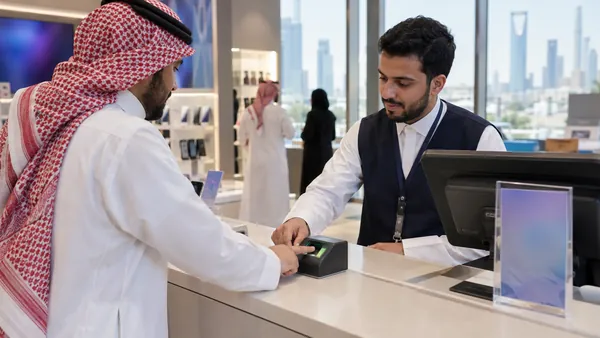
At the kiosk, choose Digital ID Management, then the service you need, such as Activate Digital ID. The machine confirms your identity with your fingerprints. Absher publishes a list of machines by city, many inside passports offices and airports, including two at Malaz Passports in Riyadh. Our Absher kiosk locations page groups them by city.
How do I activate Absher with the Nafath app?
Absher's official guide sets out the steps. Open the Nafath app, go to Settings, and choose to activate the digital identity originating from Absher. Enter your Absher ID number and password, then the SMS code. Answer the validation question and complete the biometric check the app guides you through. When it finishes, your Absher identity is active. Our Nafath app guide explains how Nafath and Absher fit together.
What people get wrong about Absher accounts
"My employer's Absher covers me, so I do not need my own." Your employer uses Absher Business for its workers. That does not give you access to your own records. With an individual account you can see your iqama expiry, your exit and re-entry visa status and the traffic violations on your name yourself, without waiting for HR. Our iqama guide lists the services residents use most.
"Any bank can change my Absher number." Not according to Absher's own channel list. Banks activate accounts. Number changes and password resets need a kiosk, an Activation Officer or the Absher app. An older Absher service page described a bank channel for number updates, but the current channel list does not include it.
"I will register with a temporary number and fix it later." You can change the number later, but only through the channels above. A number you lose before you change it leaves you locked out, which is how most people end up at Error 4.
After activation: first things to check
Once you log in, look at your dashboard. Confirm that your iqama expiry date is correct, that no surprise traffic fines are waiting, and that your passport details match your physical passport. If you plan to travel, you will issue your exit and re-entry visa here. For renewal costs, our iqama fees calculator works out the amount your employer or you will pay.
Frequently asked questions
How do I activate my Absher account without going to a kiosk?
You have three other routes. You can visit a branch of a participating Saudi bank and ask for Digital ID activation. Some banks also offer Absher registration inside their own online banking or app, so check yours first. You can activate through the Nafath app by choosing to activate the digital identity that comes from Absher, then entering your ID number, password and the SMS code. Or you can see an Activation Officer at a passports or civil affairs office.
Can two people use the same mobile number on Absher?
No. Absher says each account must have its own mobile number that is not registered to anyone else, and a parent cannot use their own number for family members. If you register with a number that is already linked to another digital identity, Absher removes it from the old account and moves it to the new one. That is why a shared family or office number causes problems later.
How do I update my mobile number on Absher?
If you can still log in, open Digital ID Management in the Absher app and choose Change mobile number. If you cannot log in because the old SIM is gone, use a self-service kiosk, where Digital ID Management includes Change mobile number, or see an Activation Officer at a passports office. Banks can only activate accounts. If the kiosk does not accept your fingerprint, book a passports appointment from the Absher homepage.
What is the Absher customer care number?
The unified Absher number is 920020405 from inside Saudi Arabia and +966920020405 from abroad. Absher lists it as available 24 hours a day, 7 days a week. You can also email HD@absher.sa, message @ABSHER on X, or use the live chat on the Absher contact page. Have your iqama number ready, but never share your password or the SMS verification code with anyone.
I forgot my Absher password and my old number no longer works. What now?
The online reset asks for your ID number and your registered mobile number, then sends a code to that number, so it cannot work if the old SIM is gone. Fix the number first. Go to a self-service kiosk and choose Digital ID Management, then Change mobile number, or visit an Activation Officer at a passports office. Kiosks and Activation Officers can also reset the password, so you may solve both problems in one visit.
Can I change my Absher username later?
No. The Absher registration page states that the username cannot be changed after registration is completed. It must be at least 8 Latin characters, start with a letter, contain lowercase letters and numbers, and have no special characters. Choose something you will remember for years, and keep it separate from your password. If you forget it, contact Absher support on 920020405.
General information only, not legal advice. We are not affiliated with any Saudi government authority.